What HrdHat does
Forms, shifts, logs, files, records, network and gear: the seven things HrdHat keeps for you, on your phone, from the first shift.
What you get
Every one of these works on the Tradesman tier at $0, with one Scan with AI included. Foreman adds unlimited forms, 40 scans a month, drawing markup, the AI daily report and timesheet export for $5/mo.
| Feature | What it does |
|---|---|
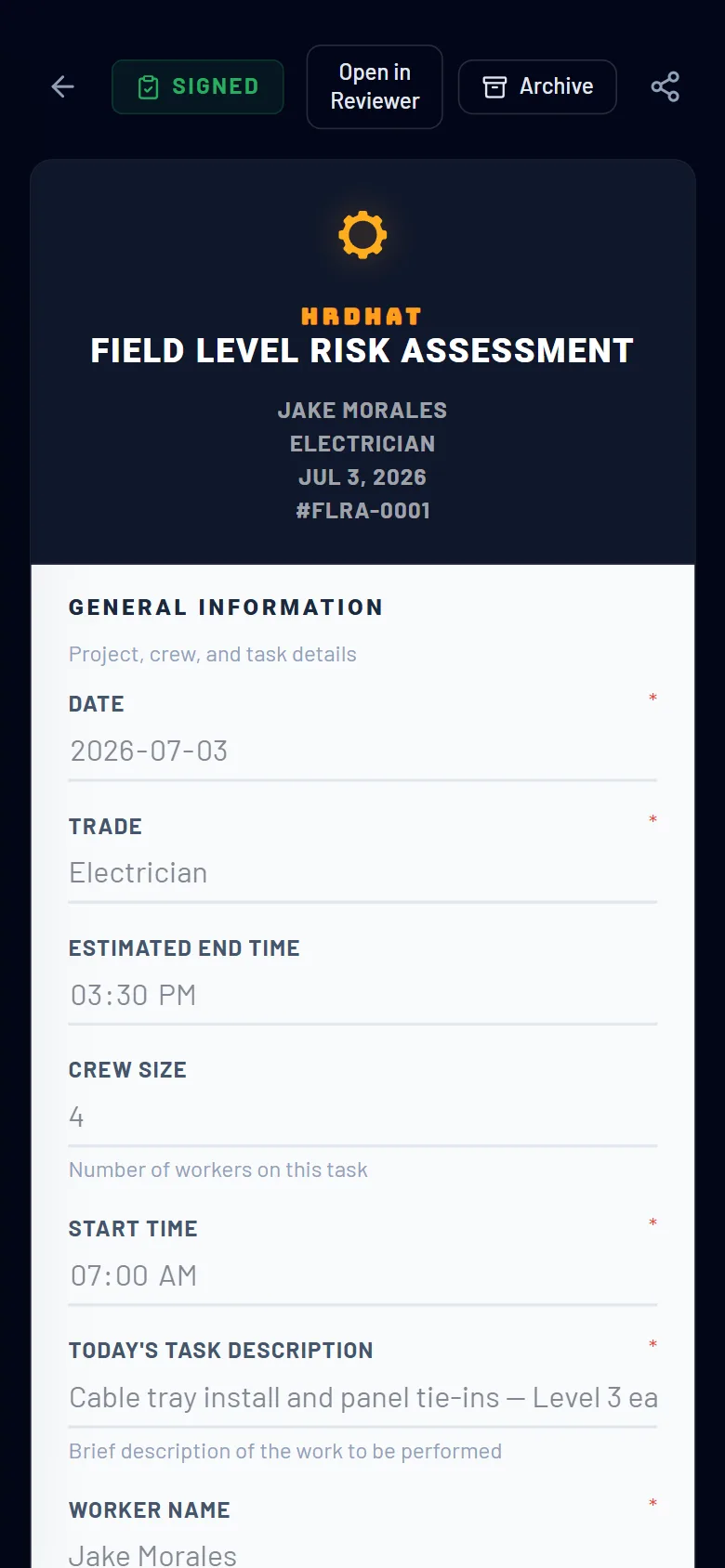
| Forms | Designed to be filled out on your phone.
|
| Shift Tracker | Start and end your shift with the timer. Meal and rest breaks are recorded separately, and you mark which ones are paid. Set your hourly rate and each shift shows what it earned. Missed one? Add it by hand. HrdHat keeps the full history and builds it into a timesheet — exporting that timesheet as a PDF or CSV comes with Foreman. |
| Log Book | Your daily site record. Log notes, observations, issues, safety items, manpower, deliveries, weather, visitors, delays, meetings and inspections — with photos attached and a priority on each entry. Every entry is dated and kept. Searching your log book, and having the daily report written for you, come with Foreman. |
| Files | Your filing cabinet on site. Upload site documents and organise them in folders. HrdHat files your work for you — the Forms, Timesheets, Reviewed and Sent Forms folders fill themselves as you go. The Drawings folder holds your plans so you can open them on your phone at the work face; marking them up — pen, arrows, clouds, notes and measurements saved on the sheet — comes with Foreman. |
| Records & Tradesman Passport | Track your construction records in one place: certificates and tickets with their expiry dates, and your work history job by job. HrdHat marks a ticket Expiring before it lapses, so you renew it before a gate turns you away. All of it builds your Tradesman Passport — one profile, with its own link and QR code, that is yours for life and carries from job to job. |
| HrdHat Network | Find the companies working around you on a map, look them up, and send your Tradesman Passport straight to the ones you want to work for. Browse the workers on the network too — that is open to anyone with an account. Requesting another worker's passport comes with Foreman. |
| Tool & Equipment Tracking | Log your tools, ladders and fall-protection gear with photos and serial numbers so you know what you own and what is on site. Inspect your fall-protection gear with HrdHat inspection forms and keep every inspection on file. Scanning a tool — or a whole job box — from a photo to fill in the details comes with Foreman. |