Certifications and experience
Your tickets and your work history, with expiry tracked.
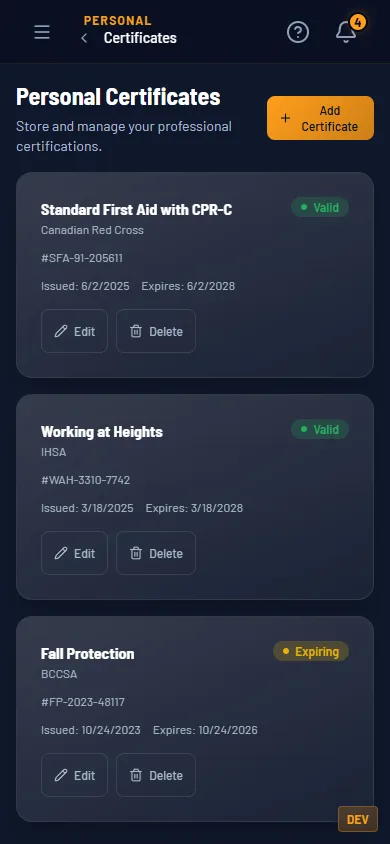
Keep every certificate with its number and dates. Each one shows Valid, Expiring or Expired at a glance, and HrdHat drops a reminder in your inbox before a ticket lapses. Log your work history job by job. All of it builds your Tradesman Passport, with its own link and QR code, so a super can scan it at the gate.
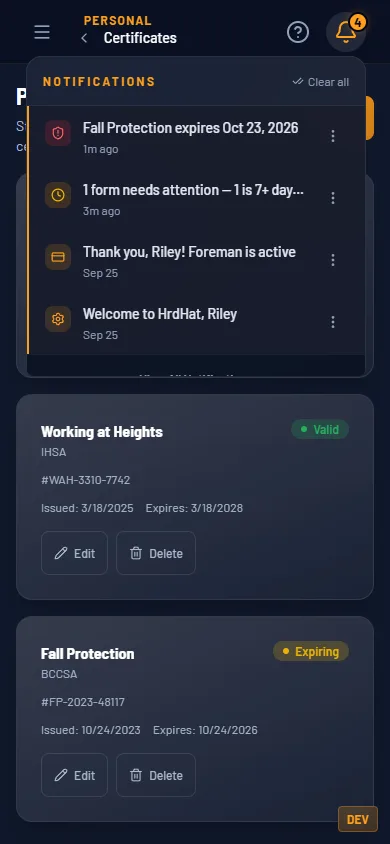
The inbox reminder, before the ticket lapses. 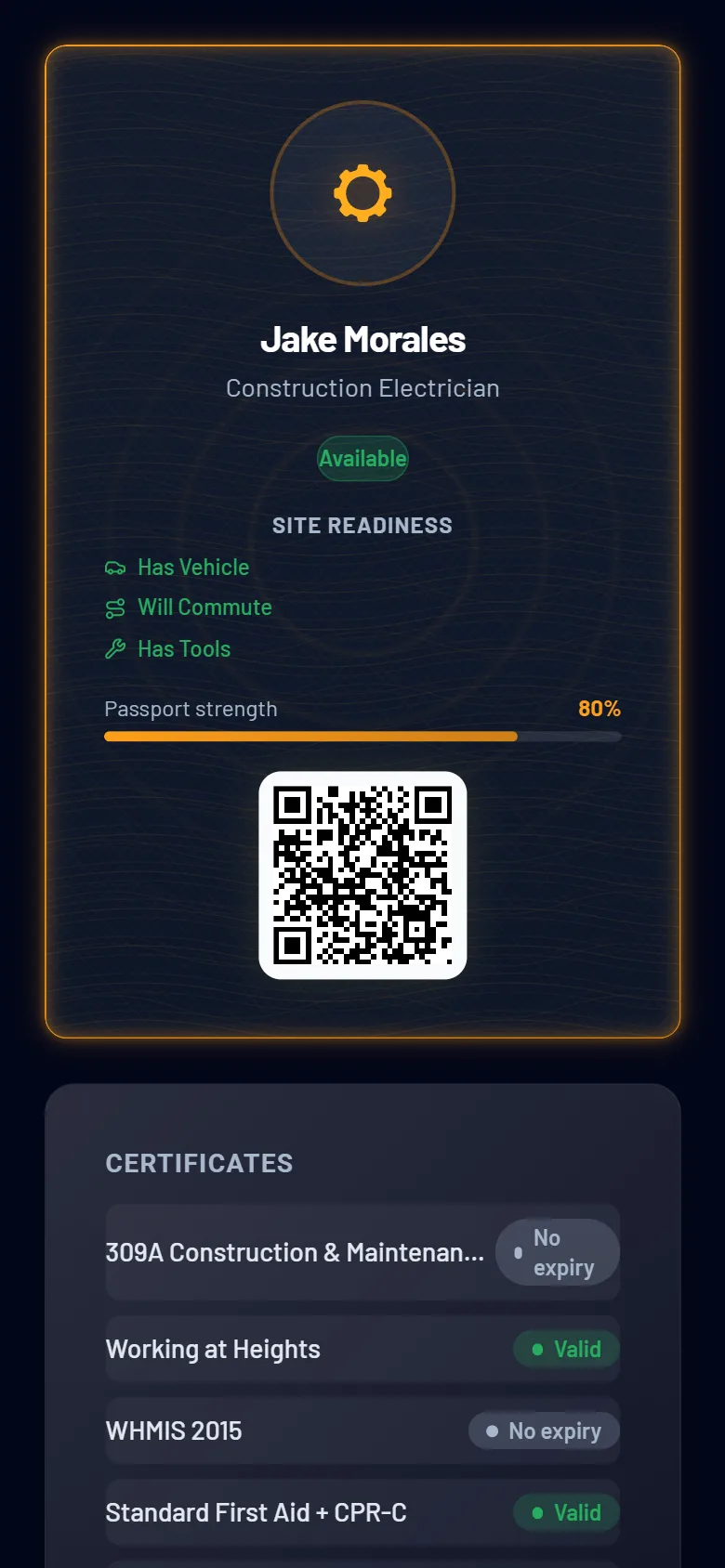
The Passport the tickets build. Link and QR. 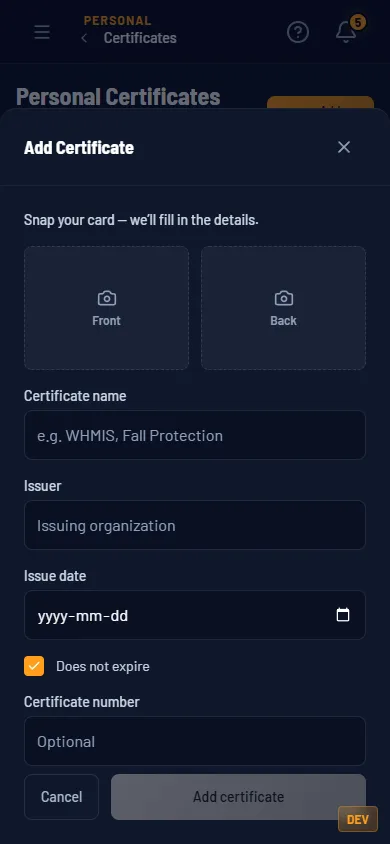
Snap the card and the details fill in. Foreman.
Start with this at $0
Certificates, expiry and the Passport are on Tradesman. Reading a cert card with AI is on Foreman.
$0 and Foreman
| Certifications and experience | Tradesman $0 | Foreman $5/mo |
|---|---|---|
| Certificates and tickets, with expiry tracked and flagged before they lapse | Yes | Yes |
| Work history and your Tradesman Passport, with its own link and QR code | Yes | Yes |
| Snap a cert card and have the details filled in for you | Photo attaches, no read | 30 a day |
Same rows as the pricing table. Every row is a gate that exists in the product.
How it fits the rest
HrdHat Network
Send the Passport to a company on the map. Your tickets go with it.
Gear
Your fall-protection ticket and your fall-protection gear sit two taps apart.