Fill out and create forms
The FLRA and the everyday forms, filled on your phone, and your own in the Form Builder.
The 10-form kit is on every account: FLRA, hazard assessment, toolbox talk, daily report, timesheet, invoice and more. Scan with AI drafts the FLRA's hazards and controls from a photo of the work area; you confirm every line before you sign. Recall copies yesterday's form forward. Build your own in the Form Builder, and your completed forms file themselves.
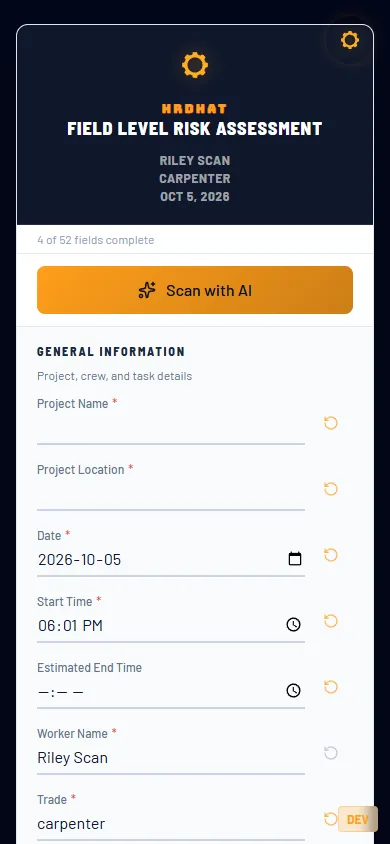
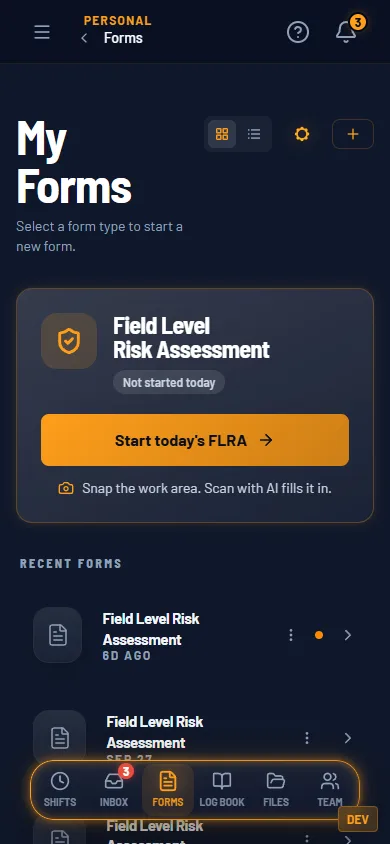
My Forms. Today’s FLRA is one tap. 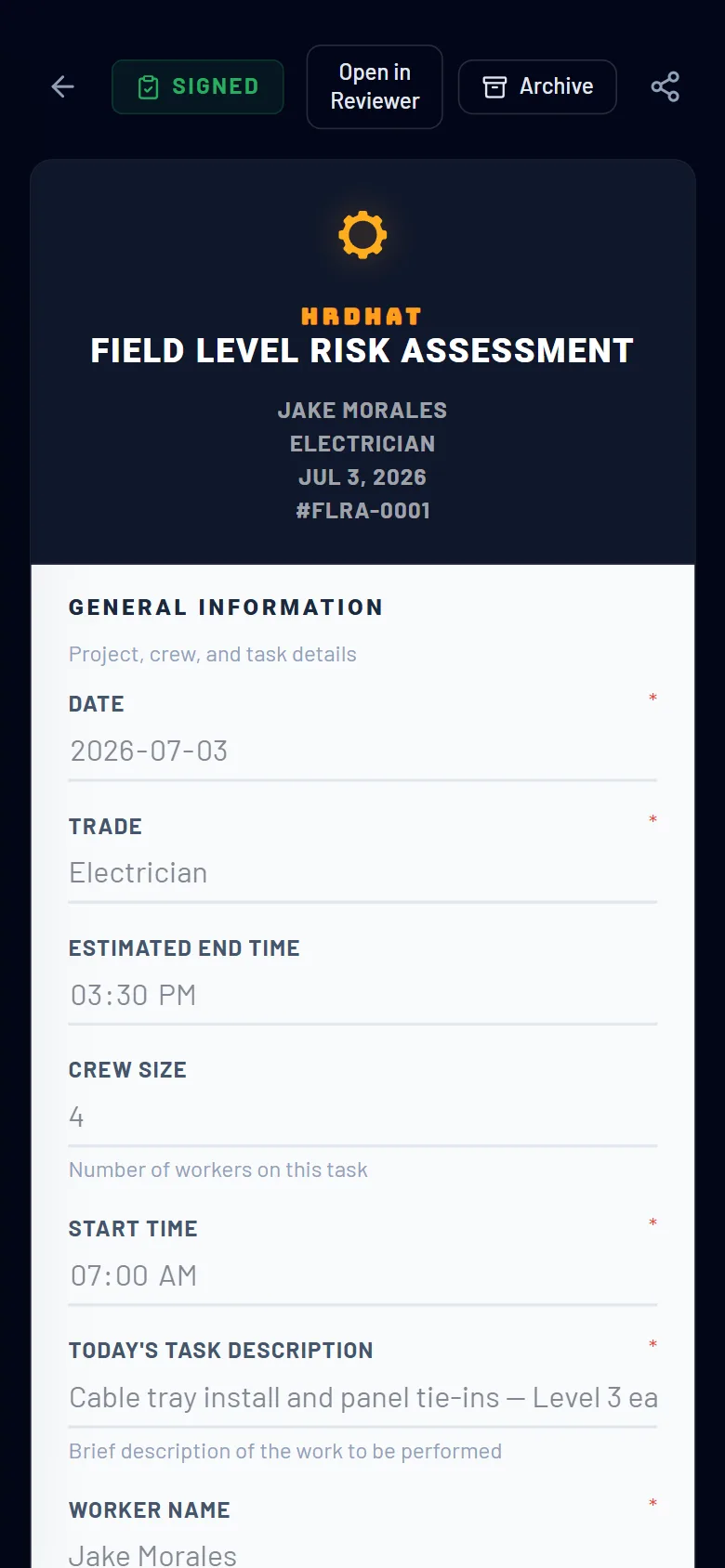
Signed, dated, filed. 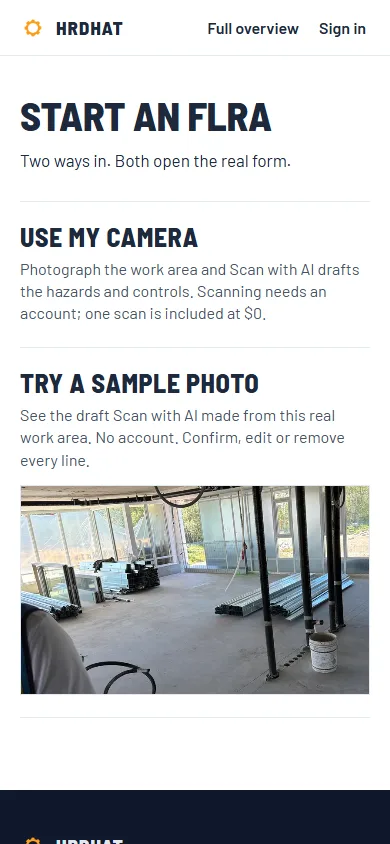
Try the sample photo with no account.
The kit, one Scan with AI and the Form Builder are on Tradesman. The full catalog and 40 scans a month are on Foreman.
Try the FLRA on a sample photo$0 and Foreman
| Fill out and create forms | Tradesman $0 | Foreman $5/mo |
|---|---|---|
| Everyday safety forms: FLRA, hazard assessment, toolbox talk, daily report, timesheet, invoice | Yes | Yes |
| Scan with AI on the FLRA: a photo of the work area drafts the hazards and controls | 1 scan included | 40 a month |
| Full catalog: 130+ operations, business and trade-specific forms | Preview only | Yes |
| Completed forms a month | 30 | Unlimited |
| Build your own forms in the Form Builder | 1 custom form | Unlimited |
| Edit form headers: your name, logo, company | — | Yes |
| Recall: copy your last form forward | Yes | Yes |
Same rows as the pricing table. Every row is a gate that exists in the product.
How it fits the rest
Files
The Forms, Timesheets, Reviewed and Sent Forms folders fill themselves as you complete forms.
Log book
The daily report is a form in your kit; Foreman has the AI fill it from your log.