Track your shifts
Start when you get on site. Breaks, your rate, your money, and the reminders.
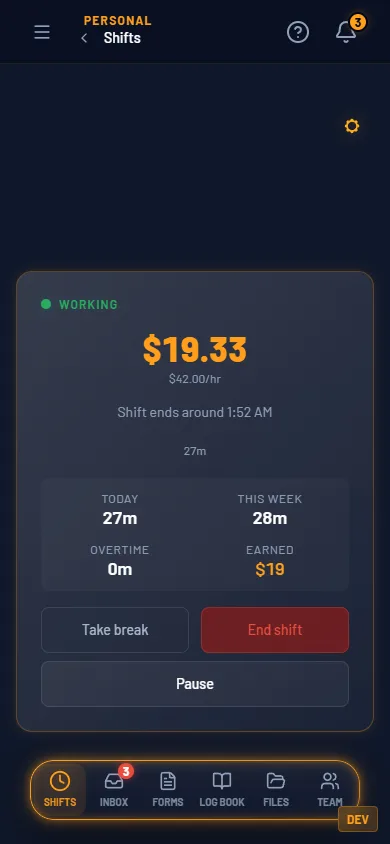
Hit Start, log your meal and rest breaks, and watch what you've earned today add up at your hourly or day rate. Set a break plan and HrdHat pings you when a break is due, by inbox, email or text. You get a heads-up when your shift should be over, and auto-end clocks you out on time if you turn it on. The full history stays, shift by shift.
Before the shift. One button. 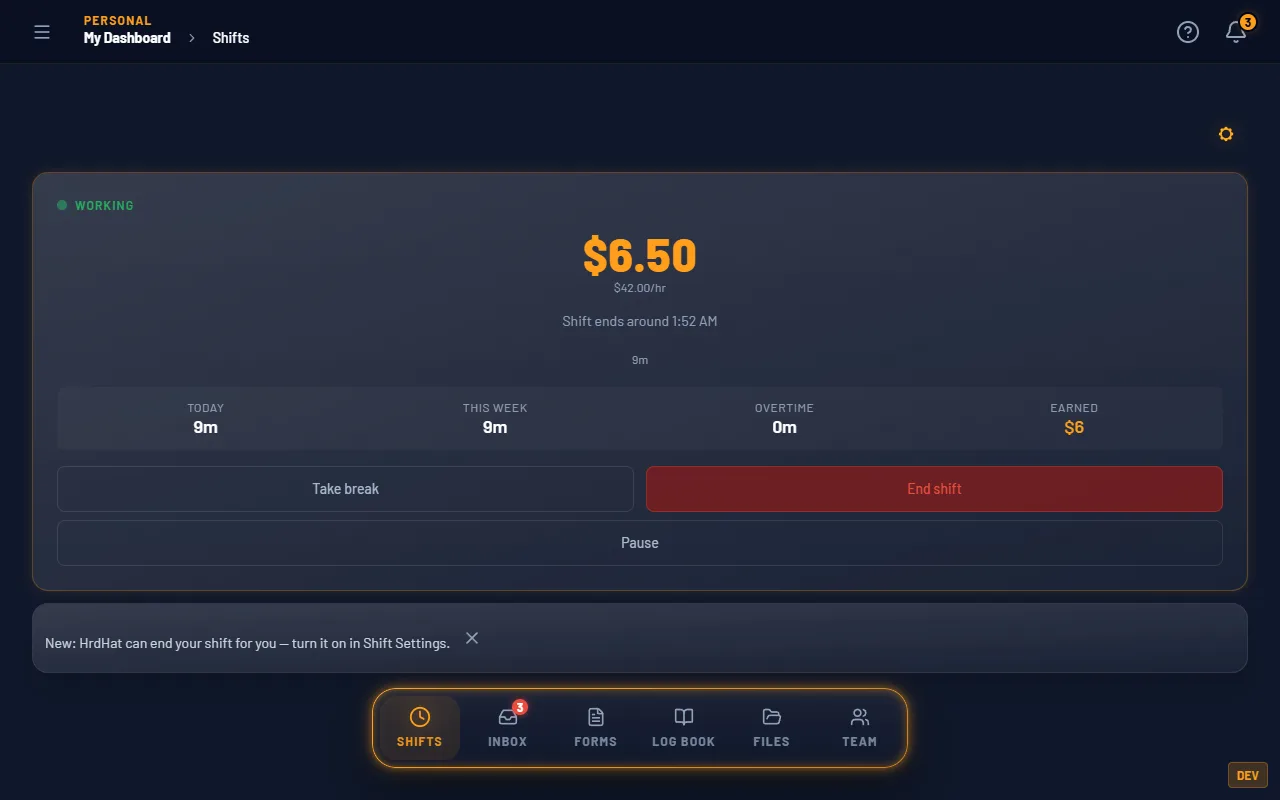
The same tracker on the office screen.
Timer, breaks, rate and earnings are on Tradesman. Timesheet export is on Foreman.
$0 and Foreman
| Track your shifts | Tradesman $0 | Foreman $5/mo |
|---|---|---|
| Timer, meal and rest breaks, hourly rate and earnings, full shift history | Yes | Yes |
| Export your timesheet as a PDF or CSV | — | Yes |
Same rows as the pricing table. Every row is a gate that exists in the product.
How it fits the rest
Invoices and time cards
Foreman turns your clocked hours into a timesheet PDF or CSV. The timesheet form in the kit is there for the side jobs.
Log book
The day you worked and the day you logged are the same date in two places.